
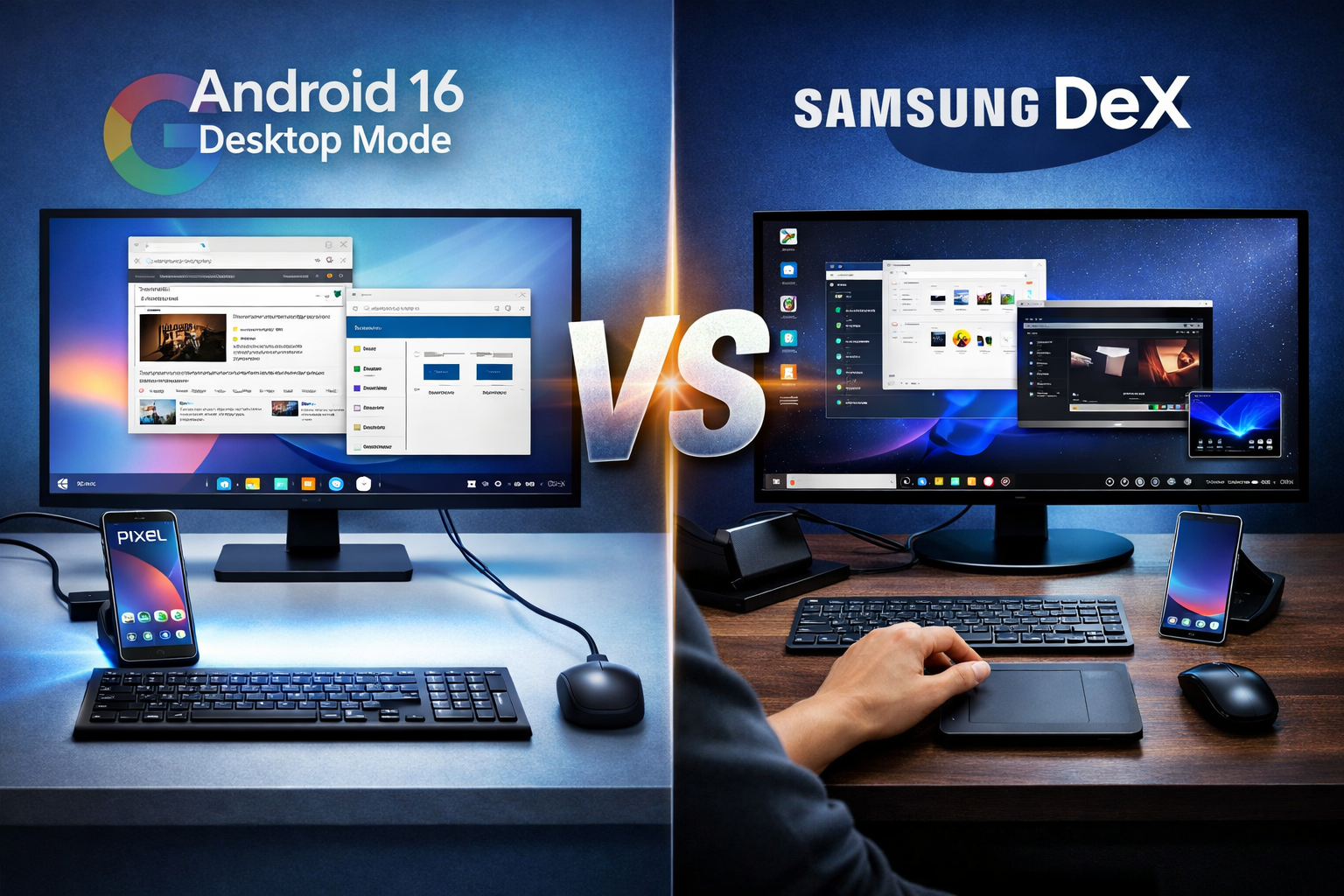
Google Finally Catches Up
H1: Android 16 Desktop Mode vs Samsung DeX – A New Era for Mobile Computing
The concept of transforming your smartphone into a fully functional desktop computer has seemed feasible but unfinished for many years. That dream is now coming true with Android 16’s introduction of a genuine desktop mode for Pixel devices.
The catch is that Samsung has previously spent years refining desktop capabilities with Samsung DeX, whereas Google is only now beginning to take it seriously.
Is Android 16 desktop mode the revolution we’ve been waiting for, or is it just evidence that Samsung was ahead of its time?
Android 16 Desktop Mode – A Long-Awaited Upgrade
With Android 16, Google has taken a major step forward by building desktop mode directly into its Pixel ecosystem.
When you connect a supported Pixel phone (like the Pixel 8 series or newer) to an external display, you no longer get simple screen mirroring. Instead, you’re greeted with a desktop-style interface featuring:
- A taskbar for easy navigation
- Resizable windows for multitasking
- App snapping for productivity
- Keyboard and mouse support
This shift signals something important: Google is finally treating Android as more than just a mobile operating system. It’s evolving into a platform capable of real desktop-like productivity.
And honestly, it feels like a win—at least at first glance.
Samsung DeX – The Original Vision Done Right
While Google’s desktop mode is new, Samsung DeX is anything but.
Samsung has spent years refining DeX into a polished and reliable desktop experience. It’s not just Android stretched onto a bigger screen—it feels like a dedicated desktop environment built with purpose.
What makes DeX stand out?
- A more mature and stable desktop interface
- Better optimization for productivity workflows
- The ability to use your phone as a touchpad
- A more independent desktop experience
Samsung didn’t just launch the feature—they continuously improved it, focusing on the small details that actually matter in everyday use.
H2: Android 16 vs DeX – Where the Difference Shows
At a glance, Android 16 desktop mode looks impressive. But once you start using it, the differences become clear.
Google’s version still feels like Android “wearing” a desktop interface rather than becoming one.
Key limitations include:
- Settings are not separated between phone and desktop
- Changing display options (like DPI or wallpaper) affects both devices
- Limited customization compared to DeX
- Minor bugs that break immersion
On the other hand, Samsung DeX feels more self-contained. It behaves like a true desktop environment powered by your phone—not just an extension of it.
Real-World Use – Can You Actually Work on It?
Here’s the good news: Android 16 desktop mode is capable of real productivity.
You can:
- Connect a monitor, keyboard, and mouse
- Run multiple apps simultaneously
- Handle writing, browsing, and basic tasks
Performance isn’t the issue—modern smartphones are powerful enough. The challenge lies in the experience.
Small issues—like UI inconsistencies or awkward transitions—remind you that this is still an early-stage feature.
With Samsung DeX, those rough edges have already been smoothed out over time.
H2: Why Google’s Move Still Matters
Even if Android 16 desktop mode isn’t perfect, it’s still a big deal.
Here’s why:
- It makes desktop mode a core Android feature, not a niche experiment
- It encourages developers to optimize apps for larger screens
- It pushes other Android brands to take desktop experiences seriously
- It expands the ecosystem for accessories like docks and hubs
In short, Google’s involvement validates the entire concept.
Samsung proved it could work—but Google has the power to make it mainstream.
H2: The Future of Phone-Powered Desktops
There’s still one thing missing: seamlessness.
Using a phone as a desktop still feels like assembling a system—connecting cables, adjusting settings, and dealing with small compromises.
The technology is already here. What’s not fully here yet is the effortless experience users expect.
But we’re getting closer.
Conclusion: Progress Over Perfection
Android 16 desktop mode may not beat Samsung DeX—but it doesn’t have to.
What matters is that Google is finally taking desktop computing seriously on Android. After years of half-finished experiments, the platform is moving in the right direction.
Samsung may have been first—and still leads in polish—but Google’s entry into the space changes everything.
Sometimes progress doesn’t arrive fully refined.
Sometimes it just shows up and proves the idea was right all along.