Microsoft Says Yes — But Here’s the Real Truth
Microsoft Claims Built-In Windows 11 Antivirus Is “Usually Sufficient”
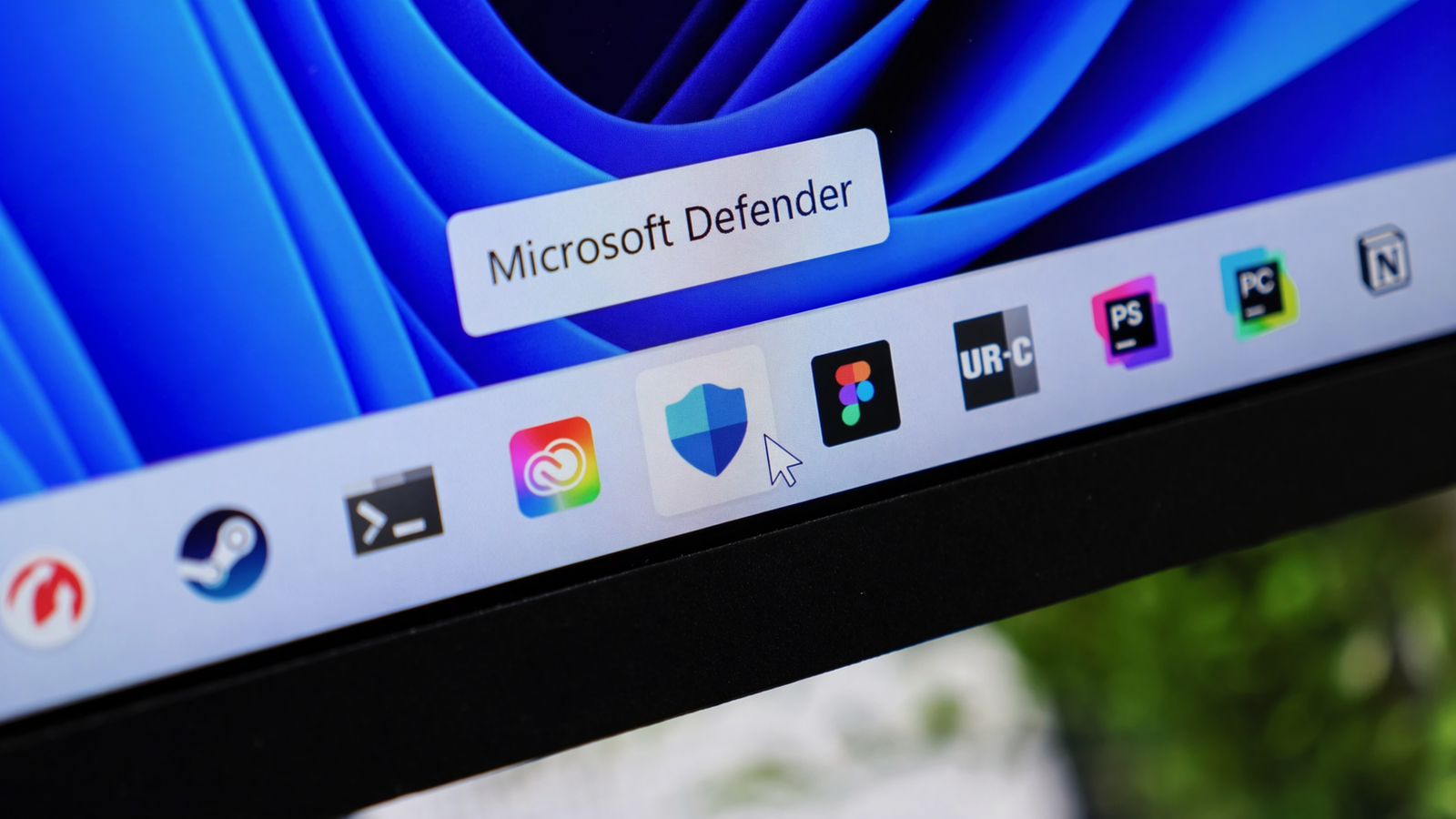
If you’ve ever questioned whether you actually need additional antivirus software on your computer, Microsoft has finally provided a definitive answer: Microsoft Defender, the built-in security feature of Windows 11, is sufficient for the majority of users.
Microsoft subtly took a firm stance in a recent Learning Center essay, claiming that its built-in antivirus program can tackle common threats without the need for other solutions. This claim has generated controversy, particularly in a sector where premium antivirus software has long been regarded as necessary.
But is this confidence justified? Let’s break it down.
Why Microsoft Defender Might Be Enough for You
According to Microsoft, the effectiveness of Windows Defender depends largely on how you use your computer. If you follow basic safety practices, the built-in protection should cover most risks.
Here’s when Defender is generally sufficient:
- You keep your Windows 11 system updated regularly
- You avoid suspicious downloads and pirated software
- You don’t click on unknown links or phishing emails
- You use trusted websites and apps
In simple terms, if you practice safe browsing habits, Defender can provide solid, real-time protection without needing anything extra.
How Windows Security Has Improved Over Time
Windows hasn’t always had the best reputation when it comes to security. For years, it was the primary target for malware due to its massive global user base.
However, Microsoft has made major improvements:
- Real-time threat detection
- Built-in ransomware protection
- Anti-phishing features
- Cloud-based security intelligence
Today, Microsoft Defender runs automatically in the background and continuously updates itself, making it far more reliable than earlier versions.
When You Might Still Need Third-Party Antivirus
While Microsoft promotes Defender as “usually sufficient,” it doesn’t completely dismiss third-party antivirus software.
You may want additional protection if:
- You manage multiple devices
- Your PC is shared with family members
- You need advanced features like parental controls
- You want identity theft monitoring
- You frequently download files from unknown sources
Third-party tools often provide extra layers of security that go beyond basic antivirus protection.
The Hidden Downsides of Extra Antivirus Software
Microsoft also warns users about overloading their systems with multiple security tools.
Here’s why adding too many antivirus programs can backfire:
- Increased system slowdown
- Conflicts between software
- Higher background resource usage
- Reduced overall performance
Running more than one real-time antivirus program is especially risky, as they can interfere with each other instead of improving protection.
Is Windows Defender Perfect? Not Quite
Despite its improvements, Windows Defender isn’t flawless.
Independent reviews and real-world tests show that:
- Some advanced malware can still bypass Defender
- Certain third-party antivirus tools detect threats faster
- Premium security suites offer more comprehensive protection
Cyber threats continue to evolve, and no single solution is 100% foolproof.
Final Verdict: Should You Rely on Windows Defender?
For most everyday users, Windows Defender is a strong and reliable security solution. If you use your PC responsibly and avoid risky behavior, it can provide all the protection you need.
However, if your usage involves higher risk—like downloading files frequently, handling sensitive data, or managing multiple users—investing in a third-party antivirus may still be a smart choice.
Bottom Line
Microsoft Defender has come a long way and is now a capable built-in antivirus for Windows 11 users. But your level of protection ultimately depends on your habits, not just your software.
Stay updated, stay cautious, and choose security tools that match your real needs—not just what the industry markets to you.