A New Desktop-Like Experience for Tablets
Android is developing quickly, and desktop windowing mode is one of the most intriguing new features. By giving large-screen Android devices a desktop-like multitasking experience, this new feature completely changes how users interact with tablets.
With the release of Android 16 QPR3, users can now manage programs via a taskbar, run multiple resizable windows, and switch between desktops just like they would on a conventional computer. The feature is currently available on the Google Pixel Tablet, but it represents a broader vision by Google to make Android capable of functioning as a full desktop operating system.
This article examines Android desktop windowing mode, including its benefits, drawbacks, and implications for Android tablet technology going forward.
What Is Android Desktop Windowing Mode?
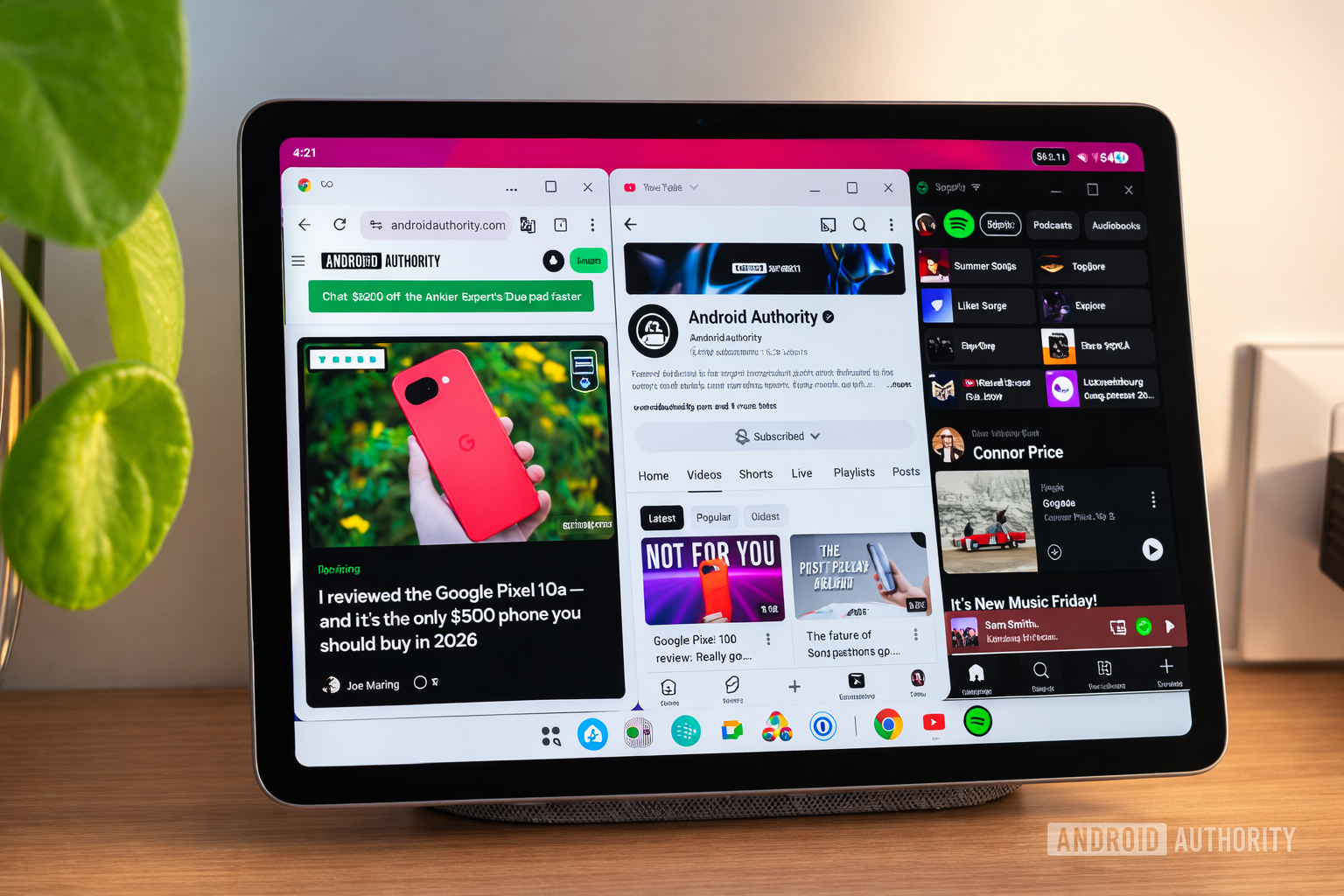
Desktop windowing mode is a new multitasking interface designed for large-screen Android devices. Instead of running apps strictly in full-screen or split-screen views, users can now open multiple apps in resizable floating windows, similar to what you see on Windows or macOS.
The feature builds on years of experimentation in Android. Early versions appeared in developer settings during Android Nougat, but it never became mainstream. Now, with renewed focus on productivity and large displays, Google has finally brought a polished desktop-like interface to Android tablets.
Key capabilities include:
- Multiple resizable floating app windows
- A persistent taskbar showing active apps
- Desktop switching with separate app groups
- Smooth window resizing and snapping
- Easy minimize, maximize, and close controls
This change is designed to make tablets more productive and closer to laptop-like devices.
Android Desktop Mode vs Samsung DeX
The concept of a desktop experience on Android is not entirely new. Samsung introduced Samsung DeX, which allows Galaxy phones and tablets to run a desktop interface when connected to an external monitor.
However, Google’s desktop windowing mode is different because:
- It works directly on the tablet display
- It is built into the Android operating system
- It supports native Android apps without special optimization
This means Android devices could eventually offer desktop computing capabilities without needing proprietary solutions.
Key Features of Android Desktop Windowing
1. Freeform Resizable Windows
One of the biggest highlights is the ability to open apps in freeform windows.
Users can:
- Resize apps by dragging edges
- Move windows anywhere on the screen
- Snap apps to screen edges
- Run several apps simultaneously
The animation and responsiveness are smooth, creating a desktop-like feel.
2. Desktop Taskbar for Fast App Switching
A bottom taskbar displays all currently running apps.
Instead of swiping between apps like traditional Android multitasking, you can simply:
- Tap an app icon in the taskbar
- Instantly bring that window to the foreground
- Switch between desktops automatically
This significantly improves multitasking speed and efficiency.
3. Multiple Virtual Desktops
Android desktop windowing allows users to create multiple desktops.
Each desktop can contain its own group of apps, allowing users to organize tasks such as:
- Work apps on one desktop
- Entertainment apps on another
- Research apps on a third
Switching between desktops is quick and helps reduce screen clutter.
4. Improved App Switcher Previews
The updated app switcher displays clean window previews, even when windows are oddly sized or arranged.
This makes it easier to:
- Identify open apps
- Restore layouts
- Manage multiple windows efficiently
5. Flexible Multitasking Options
Google designed the system to support multiple multitasking styles, allowing users to choose their preferred workflow:
- Full-screen apps
- Split-screen mode
- Floating window desktops
- A mix of all three
This flexibility ensures the system works for both casual users and productivity-focused users.
Benefits of Android Desktop Windowing Mode
Faster Multitasking
With the taskbar always visible, switching between apps becomes instant and seamless.
Users no longer need to rely heavily on the app switcher.
Improved Productivity
Running multiple windows at once makes tasks like:
- Research
- Writing
- Browsing
- Messaging
much easier on tablets.
A Laptop-Like Experience
When paired with a Bluetooth keyboard and mouse, tablets can function almost like a portable laptop, opening new possibilities for mobile productivity.
Limitations of Android Desktop Windowing
Despite its impressive capabilities, the feature still has some limitations.
Wasted Screen Space
Floating windows require:
- A title bar for each app
- A top desktop bar
- A persistent bottom taskbar
On smaller tablets, this can reduce usable screen space compared to full-screen or split-screen modes.
Limited Window Management
Currently, users cannot:
- Easily move apps between desktops
- Rearrange desktop layouts
- Open multiple independent windows of some apps (such as browsers)
These restrictions prevent the experience from fully matching traditional desktop operating systems.
Too Many Windows Can Be Unusable
While the system allows many windows, using more than two or three apps simultaneously can become difficult on a tablet screen.
Small floating windows may overlap and make it harder to interact with apps.
Which Multitasking Mode Should You Use?
Choosing between split-screen and desktop windowing depends on your workflow.
Use Split-Screen When:
- You only need two apps
- You want maximum screen space
- You prefer simple multitasking
Use Desktop Windowing When:
- You need multiple apps open
- You frequently switch between tasks
- You want a laptop-like interface
For many users, the best approach is a mix of both modes.
The Future of Android as a Desktop OS
Google’s investment in desktop windowing signals a larger strategy for Android.
The company appears to be working toward:
- A unified experience across phones, tablets, and desktops
- Better support for external displays
- More powerful multitasking tools
- Enhanced keyboard and mouse integration
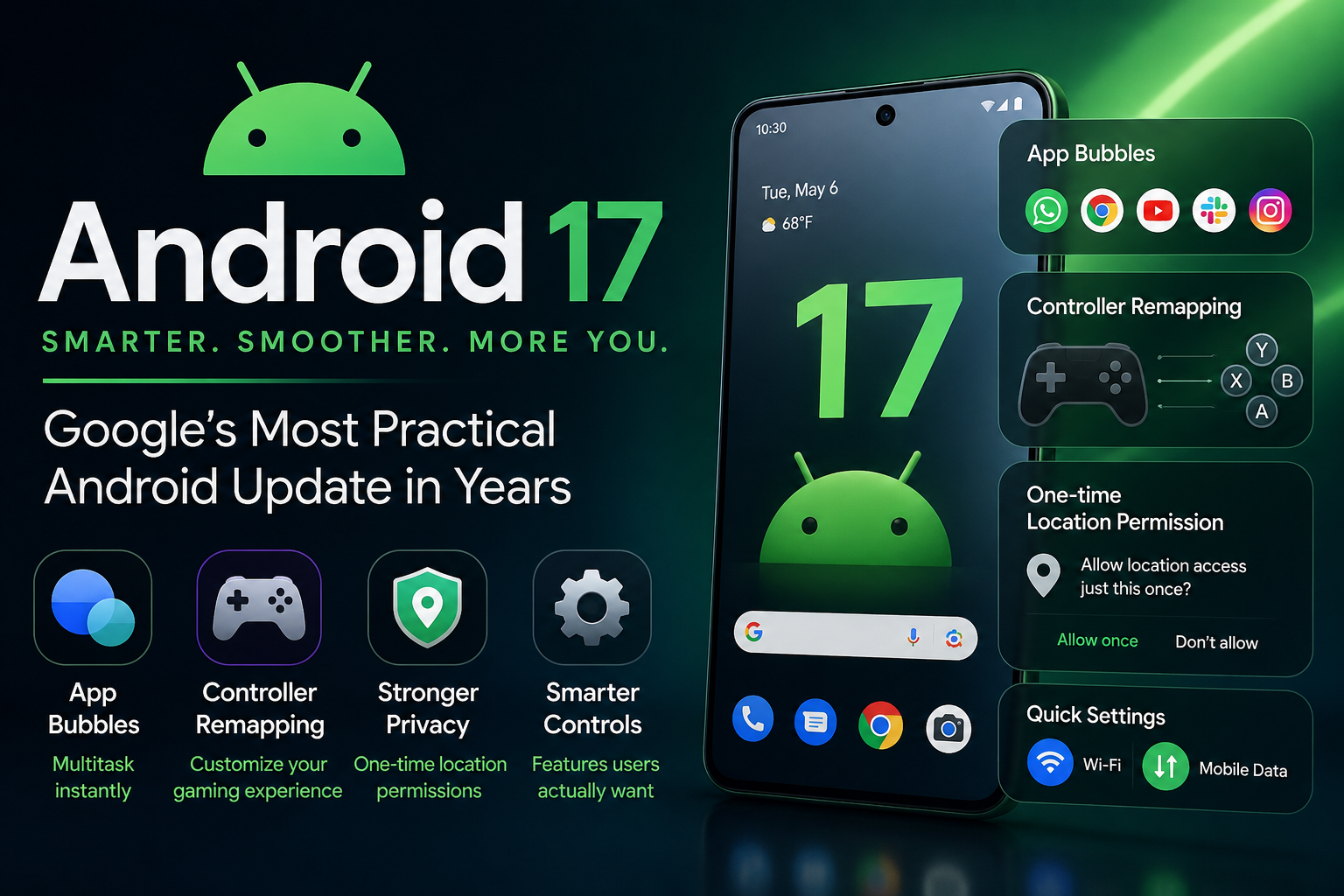
Future updates such as **Android 17 are expected to expand these capabilities even further.
Final Thoughts
Android’s new desktop windowing mode is an exciting step forward for tablets. By introducing floating windows, virtual desktops, and a persistent taskbar, Google has brought Android closer to a true desktop computing experience.
While the feature still has room for improvement, it already provides a powerful multitasking environment that can transform how people use Android tablets.
As Android continues evolving, this feature could eventually turn tablets into serious productivity machines capable of replacing lightweight laptops.