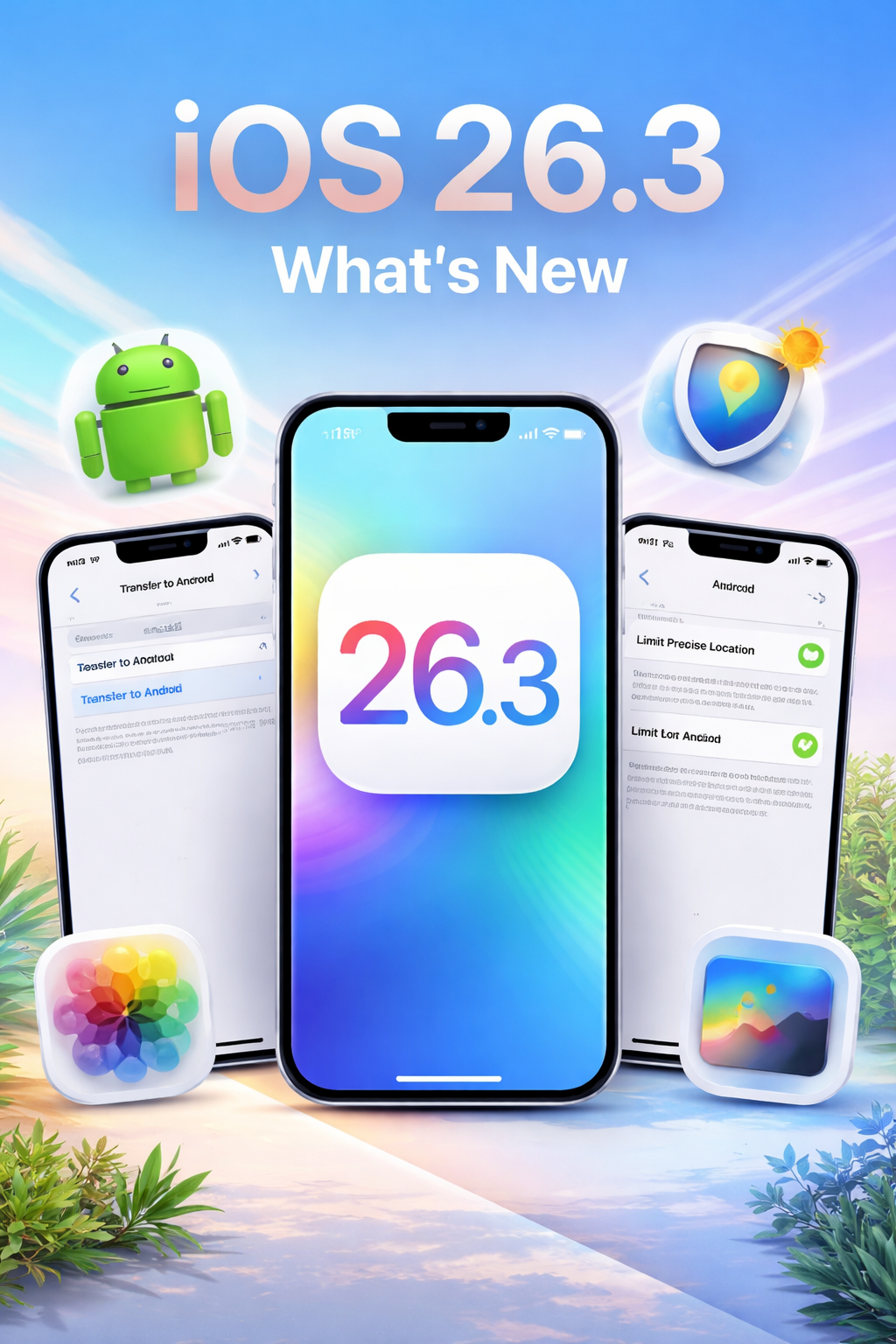
iOS 26.3 Is Rolling Out Now:
Everything New You Need to Know About Apple’s Latest iPhone Update
Apple has officially released iOS 26.3 to the public, and while this update may not introduce dramatic new features, it focuses on something just as important—refinement, privacy, and a smoother overall iPhone experience.
Unlike major iOS updates that redesign apps or introduce bold capabilities, iOS 26.3 is all about improving what’s already there. From a simpler way to switch from iPhone to Android, to enhanced privacy controls and refreshed wallpapers, Apple is quietly strengthening its ecosystem with thoughtful upgrades.
Here’s a detailed look at everything new in iOS 26.3 and what it means for your iPhone.
Easier Than Ever to Switch From iPhone to Android
One of the most surprising additions in iOS 26.3 is a new built-in option that makes transferring data from an iPhone to an Android device much easier.
For many users, switching platforms has always been frightening. Even though Android phones already had a methodical transfer procedure, it frequently required additional setup, like as turning off FaceTime and iMessage, and occasionally even a cable to link the two phones.
Apple has simplified the procedure with iOS 26.3.
How It Works
To access the new feature:
Go to:
Settings > General > Transfer or Reset iPhone
Scroll down and tap Transfer to Android
From there, you can wirelessly connect your iPhone to a compatible Android device simply by placing them near each other. The system allows you to transfer:
- Photos
- Messages
- Contacts
- Apps
- And other key data
No third-party apps. No complicated setup. Just a more seamless transition experience.
While Apple obviously wants users to stay within its ecosystem, this move shows a growing focus on user flexibility and regulatory compliance in global markets.
New Privacy Control: Limit Precise Location Sharing
Privacy remains a major focus in Apple’s software updates, and iOS 26.3 introduces a new feature designed to give users more control over their location data.
What Is “Limit Precise Location”?
The new Limit Precise Location setting allows you to restrict how accurately your iPhone shares your location with cellular carriers.
When enabled:
- Your carrier sees only general location information (such as your neighborhood)
- Your exact street-level location is hidden
- Emergency services like 911 continue to function normally
This adds another layer of protection for users concerned about location tracking.
Where to Find It
Go to:
Settings > Cellular > Cellular Data Options
Currently, the feature is available only on iPhone Air and iPhone 16e, and in the United States, it is supported exclusively by Boost Mobile. However, broader availability could expand in future updates.
Cleaner Privacy Interface
In addition to the new location control, Apple has refined the Privacy section in Settings. The layout is now slightly more organized, making it easier to:
- Review app permissions
- Manage data sharing
- Understand what information apps can access
These changes are subtle but meaningful, improving usability without overwhelming users.
New Wallpapers and Visual Enhancements
While iOS 26.3 isn’t a visual overhaul, Apple has refreshed its wallpaper gallery with cleaner organization and new options.
Dedicated Wallpaper Categories
Sections like Weather and Astronomy now have their own rows in the wallpaper selection screen. This makes browsing easier and more intuitive.
Enhanced Weather Wallpapers
The Weather category now includes:
- Multiple live weather-based wallpapers
- Updated fonts
- Refined widget layouts
- Dynamic backgrounds reflecting real-time local conditions
These wallpapers feel more polished and immersive, giving your iPhone a slightly more personalized touch.
Smaller Tweaks That Improve Everyday Use
Beyond the headline features, iOS 26.3 includes various small interface refinements and under-the-hood improvements.
While many of these changes may not be immediately noticeable, they aim to:
- Improve system stability
- Enhance performance consistency
- Smooth out minor interface behaviors
- Strengthen overall reliability
These kinds of updates often make your device feel subtly faster and more stable—even if you can’t pinpoint exactly why.
Features Still in Development
Interestingly, iOS 26.3 also lays the groundwork for features that are not yet active for public users.
During the developer beta phase, early references were discovered for:
- Third-party accessory notification forwarding
- Carrier-related infrastructure updates
- Potential future support for encrypted RCS messaging
Although these features are not enabled in the public version of iOS 26.3, Apple appears to be preparing for future rollouts. Developers and carrier partners can begin building compatibility, suggesting that bigger communication upgrades may arrive in upcoming iOS releases.
Should You Update to iOS 26.3?
If you’re already running iOS 26, updating to iOS 26.3 is highly recommended. Even though it’s not a major feature release, it strengthens privacy, improves system polish, and introduces useful refinements.
The update is especially valuable if:
- You are considering switching from iPhone to Android
- You want tighter control over location sharing
- You enjoy personalized wallpapers and UI improvements
- You prefer keeping your iPhone optimized and secure
Final Thoughts on iOS 26.3
iOS 26.3 may not grab headlines with flashy features, but it reflects Apple’s long-term strategy: steady refinement, stronger privacy, and smoother usability.
From easier device switching to improved location controls and refreshed visuals, this update quietly enhances the iPhone experience in meaningful ways.
Sometimes the best upgrades aren’t dramatic—they’re the ones that simply make your phone work better every day.