Custom Search Bar and Removable At a Glance Widget
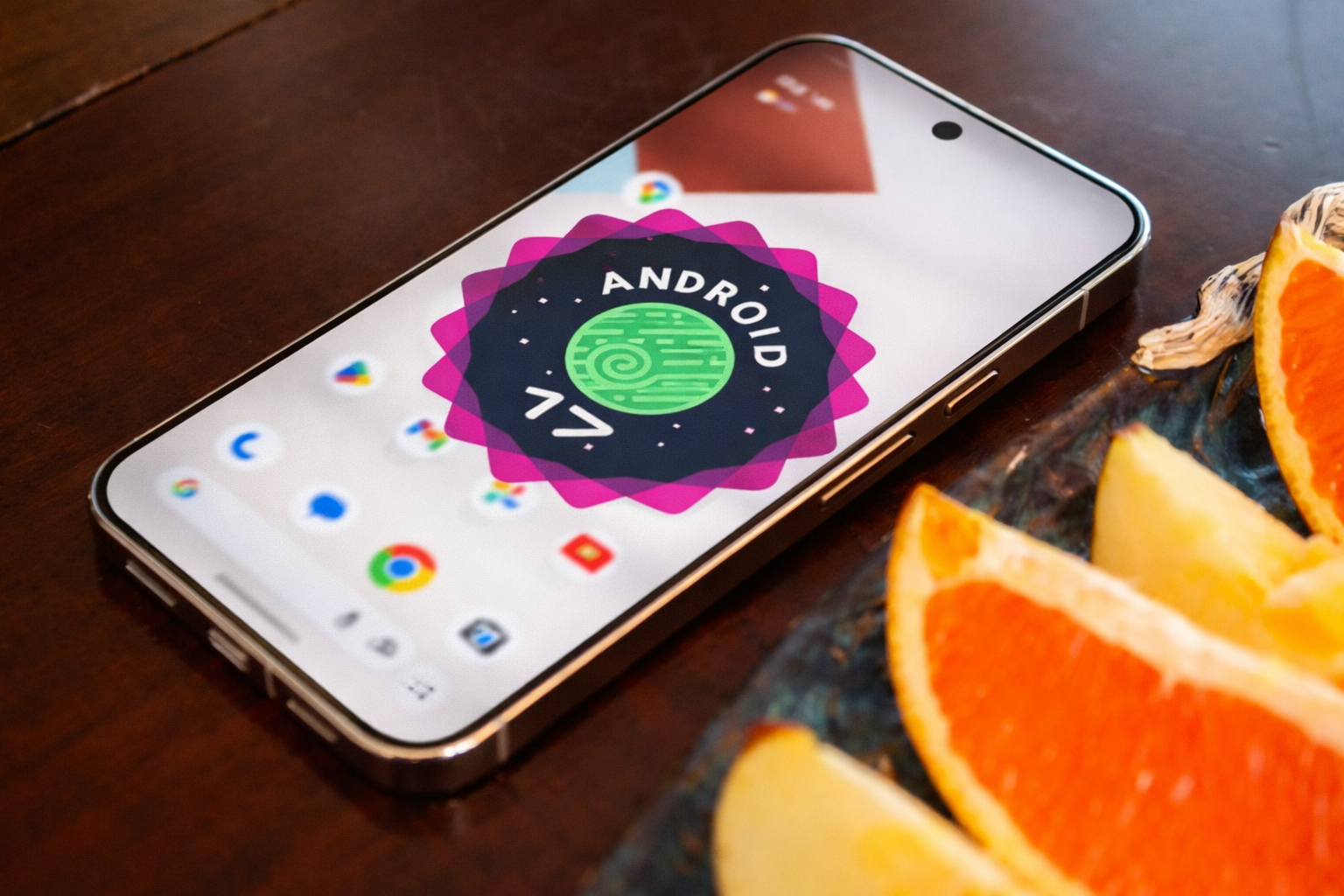
The first beta of Android 17 is officially here, and while it may not look dramatically different from Android 16, it introduces a few subtle yet meaningful upgrades — especially for Pixel users.
Released on February 13, 2026, Android 17 Beta 1 focuses heavily on performance improvements and better large-screen optimization. But hidden within the update are two small Pixel Launcher changes that many users have been requesting for years.
These changes have the potential to significantly enhance your home screen experience if you use a Pixel phone on a daily basis.
Android 17 Beta 1: What’s New for Pixel Users?
The update brings UI refinements to the Pixel Launcher, Google’s default home screen experience on Pixel devices. While the changes may appear minor at first glance, they offer more flexibility and personalization — two things Android users value most.
The two standout improvements include:
- A redesigned and customizable home screen search bar
- The ability to remove the At a Glance widget
Let’s break them down.
Customizable Search Bar in Pixel Launcher
One of the most noticeable changes in Android 17 Beta 1 is the updated search bar design.
You Can Now Customize the Search Bar Shortcut
For the first time, Pixel users can change the search bar shortcut.
The redesigned search bar design in Android 17 Beta 1 is one of the most obvious improvements.
Previously, the search bar had stronger colored borders and a shortcut outside the bar in Android 16. Google has gone back to a thinner, cleaner appearance in Android 17, which is more reminiscent of the simpler, earlier Pixel aesthetics.
But the real upgrade isn’t just visual.
By default, it includes an AI Mode shortcut. However, Android 17 now allows you to swap it with other tools, including:
- Gemini Live
- Google Translate
- Song Search
- Weather
- Dictionary
- And more
Tapping your selected shortcut updates the search bar instantly and launches the chosen feature.
This small change adds much-needed flexibility to the home screen, especially for users who rely on specific tools daily.
However, it’s worth noting that — at least for now — you can’t replace the voice search or Google Lens shortcuts.
At a Glance Widget Can Finally Be Removed
Another long-requested feature has finally arrived: the ability to remove the At a Glance widget.
The At a Glance widget displays helpful information like:
- Weather updates
- Calendar events
- Travel reminders
- Package tracking
While many users appreciate it, others prefer a cleaner home screen layout.
Although Google previously tested widget removal in select Android 16 QPR3 beta builds, Android 17 Beta 1 appears to roll it out more broadly.
How to Remove At a Glance
You can remove the widget by:
- Long-pressing the widget
- Opening Pixel Launcher settings
- Removing it from your home screen
For customization enthusiasts, this is a big deal. It finally gives Pixel users more control over their layout — something other Android launchers have offered for years.
Other Minor UI Improvements in Android 17 Beta 1
While the search bar and widget changes are the highlights, there are a few additional refinements worth mentioning.
Updated Brightness Icon in Quick Settings
The brightness icon in Quick Settings has received a subtle refresh. It’s not a dramatic redesign, but it contributes to a cleaner, more modern interface.
Improved Volume Panel Access
The volume panel now includes a dedicated settings icon at the bottom, making it easier to jump directly into detailed volume controls.
This small tweak improves usability and reduces extra taps — something Android users always appreciate.
Android 17 vs Android 16: Is It a Big Upgrade?
At first glance, Android 17 doesn’t introduce massive visual changes compared to Android 16. However, it focuses on:
- Performance improvements
- Large-screen device optimization
- Subtle UI refinements
- Better home screen customization
For Pixel users, these small changes feel thoughtful rather than flashy.
And in many ways, those are the updates that matter most in everyday use.
Why the Custom Search Bar Matters
The customizable search bar might sound minor, but it reflects a broader shift toward personalization in Android.
Users searching for:
- “Android 17 features”
- “Pixel Launcher updates”
- “How to customize Pixel home screen”
- “Remove At a Glance widget Pixel”
Will likely find this update meaningful.
Being able to swap AI Mode for tools like Song Search or Translate makes the experience more personal and efficient.
As Android evolves, flexibility is becoming just as important as new features.
Android Central’s Perspective: A Step in the Right Direction
Many Pixel users have long requested deeper home screen customization. The ability to:
- Modify shortcuts
- Remove fixed widgets
- Access controls faster
Shows that Google is listening — even if progress is gradual.
The only missing piece? Broader shortcut customization, including voice search and Lens. Hopefully, future beta updates expand these options.
Final Thoughts: Small Changes, Big Impact
Android 17 Beta 1 may not deliver a dramatic visual overhaul, but it introduces practical upgrades that improve daily usability.
The customizable search bar and removable At a Glance widget are subtle changes — yet they significantly enhance personalization on Pixel devices.
As the beta program continues, features may evolve, disappear, or expand. But for now, Android 17 is shaping up to be a thoughtful refinement of the Pixel experience.
If you’re a Pixel user who values flexibility and cleaner design, this update is definitely worth exploring.