A Complete, Real-World Review After Going All-In
In 2026, tech ecosystems matter more than ever. Whether it’s Apple, Google, or Samsung, companies design their hardware and software to work best together. But here’s the real question: does Samsung’s ecosystem actually make your life easier, or is it just clever marketing?
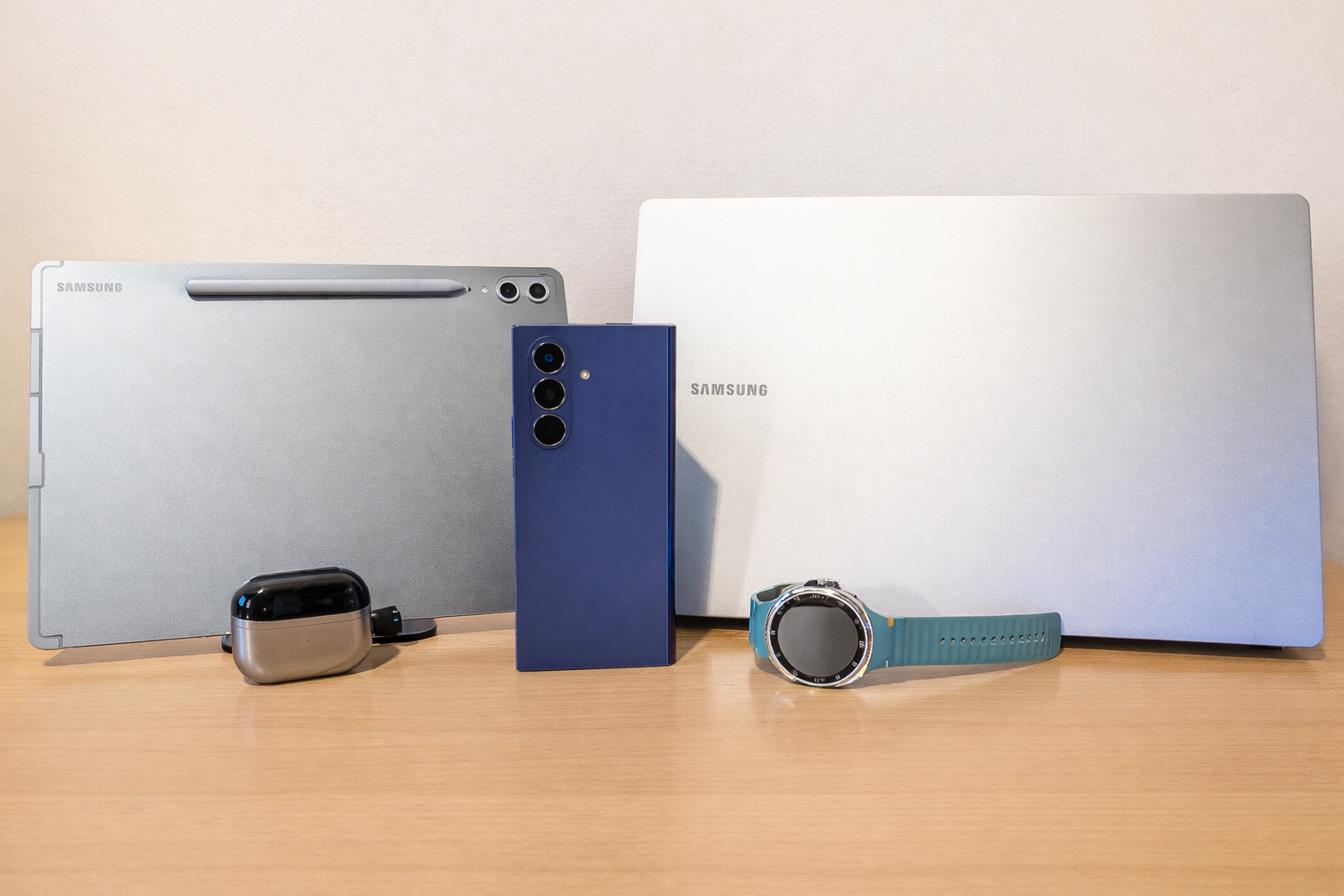
The solution is fairly obvious after investing heavily in Samsung gadgets, including a laptop, tablet, smartwatch, phone, and headphones. The experience is faster, more seamless, and actually more productive when everything is connected.
Let’s break down how each device benefits from being part of the Samsung ecosystem in 2026, and whether it’s truly worth it.
Galaxy Watch: Health Tracking and Smart Features That Work Best With Samsung Phones
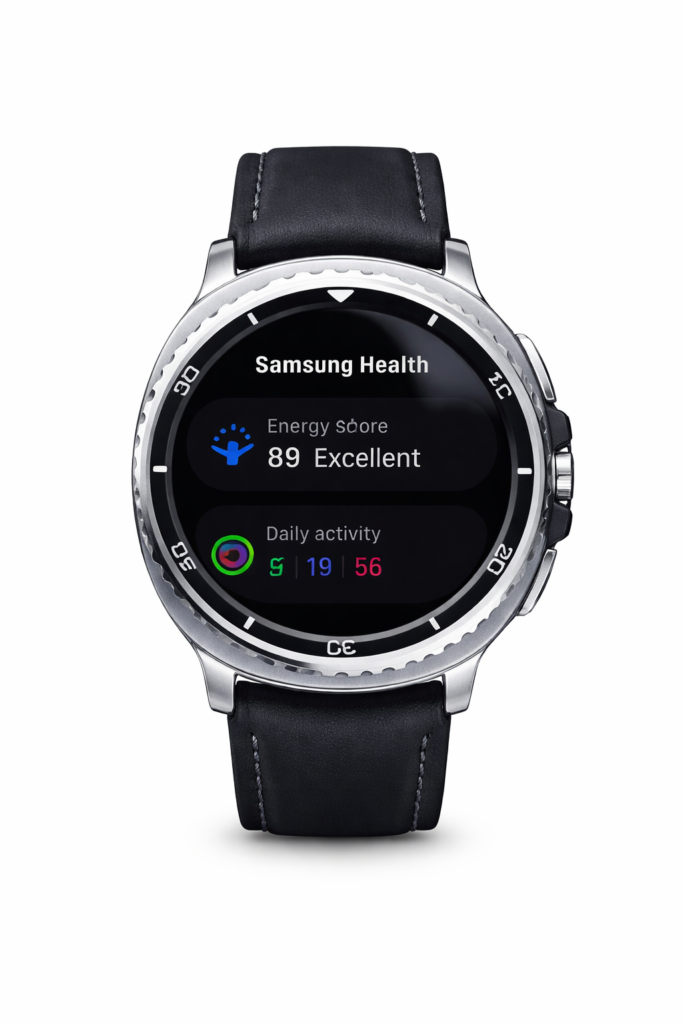
Samsung’s wearables have evolved dramatically since the Tizen days. Since switching to Wear OS in 2021, Galaxy Watches have become more powerful — but some of their best features remain exclusive to Samsung phones.
Key Samsung-Exclusive Features:
- Alarm syncing
- Blood pressure monitoring
- ECG readings
- Sleep apnea detection
One feature many users miss when switching away from Samsung phones is alarm syncing. Being able to create, manage, and silence alarms directly from your wrist adds real convenience. When paired with non-Samsung devices, that seamless integration disappears.
Health features are even more important. Blood pressure tracking, ECG, and sleep apnea detection only unlock fully when the watch is connected to a Samsung Galaxy phone. For users concerned about health monitoring, this alone can justify staying inside the ecosystem.
If health tracking is a priority in your buying decision, pairing a Galaxy Watch with a Samsung phone makes a meaningful difference.
Galaxy Tab S10 Plus: Seamless Multitasking and Cross-Device Productivity
Samsung tablets become significantly more powerful when paired with a Samsung phone and laptop.
Call and Message Syncing
Incoming calls on your Samsung phone appear instantly on your tablet. You can answer using the tablet’s microphone and speakers, switch between devices mid-call, and track call duration — effortlessly.
Clipboard Sync Across Devices
Copy something on your phone, paste it on your tablet — automatically. For users relying on two-factor authentication codes, this saves time daily.
“Use Phone as Toolbar” in Samsung Notes
When using Samsung Notes, your phone can transform into a dedicated toolbar for brushes and controls, keeping your tablet screen clean for drawing or annotating. For digital artists and note-takers, this is a surprisingly powerful feature.
Auto Photo Sync with Expert RAW
If you use Expert RAW, Samsung’s advanced photography app, there’s an option called “Auto share to PC or tablet.” Photos captured on your Galaxy phone instantly transfer to your tablet via Quick Share.
For users editing in apps like Lightroom on a larger screen with the S Pen, this automatic workflow removes friction completely.
Galaxy Buds 3 Pro: Better Audio Quality Inside the Samsung Ecosystem
The Galaxy Buds 3 Pro deliver excellent sound on any Android phone. But they perform noticeably better within Samsung’s ecosystem.
Samsung Seamless Codec (SSC)
Samsung devices use the Samsung Seamless Codec (SSC), which delivers:
- Higher fidelity audio
- Reduced latency
- Improved sound clarity
Music simply sounds better when paired with Samsung hardware.
Smart Device Switching
You can listen to music on your phone, then instantly switch to your tablet or laptop without manually reconnecting. The earbuds pause on one device and resume on another automatically.
This intelligent switching creates a frictionless experience — something that’s still limited to Samsung devices.
Galaxy Book4 Edge: The Hidden Powerhouse of Samsung’s Ecosystem
Perhaps the biggest surprise in Samsung’s ecosystem is how much value the Galaxy Book laptop adds.
The Galaxy Book4 Edge isn’t just a Windows laptop — it’s deeply integrated with Samsung devices.
Samsung Multi Control
Multi Control lets you:
- Control your phone or tablet using your laptop’s keyboard and mouse
- Drag and drop files between devices
- Navigate your phone’s UI directly from your laptop
Unlike wireless display mirroring, this actually controls the phone itself — making it perfect for quick replies and file transfers.
Storage Share + Quick Share
Samsung offers multiple file-sharing methods:
- Storage Share: Access your phone storage directly in Windows File Explorer.
- Quick Share: Instantly send files wirelessly across devices — even from another room.
The result? No cables, no third-party apps, no friction.
Improved Galaxy Buds Performance on Galaxy Book
Unlike other Windows laptops, Galaxy Book devices support Samsung’s SSC codec. That means:
- Better audio quality
- Reduced latency
- No connection conflicts
- Proper lip-sync when watching YouTube
- Smooth gaming audio performance
This alone makes a Galaxy Book a strong choice for Galaxy Buds users.
Samsung Notes + Samsung Pass
Samsung Notes syncs across phone, tablet, and laptop automatically. PDFs, annotations, and handwritten notes stay perfectly aligned across devices.
Samsung Pass provides seamless password management across Samsung hardware, making login workflows faster and more secure.
Samsung Ecosystem 2026: Is It Actually Worth It?
The short answer? Yes — if you already own a Samsung phone.
Samsung’s ecosystem isn’t about flashy marketing features. It’s about small, daily conveniences that add up:
- Faster file transfers
- Better health tracking
- Improved audio quality
- Smarter multitasking
- Cross-device clipboard syncing
- Effortless photo workflows
Individually, these features may seem minor. Together, they create a workflow that feels smooth and intentional.
Who Should Go All-In?
Professionals who move files frequently
Creators editing photos or taking notes daily
Users who rely on health tracking
Samsung phone owners upgrading other devices
Who Might Skip It?
Users constantly switching between brands
People who don’t use cross-device features
Those deeply invested in Google or Apple ecosystems
Final Verdict: Samsung Ecosystem Review 2026
Samsung’s ecosystem in 2026 is mature, refined, and genuinely useful. The integration between Galaxy Watch, Galaxy Tab, Galaxy Buds, and Galaxy Book devices creates a unified experience that improves productivity and convenience.
If you already own a Samsung phone, choosing Samsung for your next tablet, earbuds, or laptop is likely the smartest move.
Ecosystems should make life easier — and in Samsung’s case, they finally do.