How to Measure Blood Pressure Using Galaxy Watch (2026 Guide)
Learn how to measure blood pressure using Galaxy Watch with easy steps, calibration guide, and tips for accurate readings in 2026.
Table of Contents
- Introduction
- What Is Galaxy Watch Blood Pressure Feature?
- Requirements Before You Start
- Step-by-Step Setup Guide
- How to Calibrate Galaxy Watch
- How to Measure Blood Pressure
- Important Health Warnings
- Tips for Accurate Readings
- Benefits of Galaxy Watch BP Monitoring
- Final Thoughts
Introduction
The ability to measure blood pressure using Galaxy Watch is one of the most exciting health features introduced by Samsung. After receiving FDA clearance, this feature is now available in the United States, allowing users to track their health directly from their wrist.
However, this feature does not work instantly. It requires a proper setup and calibration process to ensure accurate readings. In this guide, you’ll learn everything step-by-step in simple language.
What Is Galaxy Watch Blood Pressure Feature?
The Galaxy Watch blood pressure feature allows users to monitor their BP anytime without needing a traditional device every time.
It works through the Samsung Health Monitor app, which is different from the regular Samsung Health app.
Key Highlights:
- Track BP anytime, anywhere
- Works after calibration
- Stores history for tracking trends
- Also supports ECG and sleep apnea monitoring (in supported regions)
Requirements Before You Start
Before you measure blood pressure using Galaxy Watch, make sure you have:
Essential Requirements:
- A compatible Galaxy Watch
- A Galaxy smartphone
- The Samsung Health Monitor app installed
- A traditional upper-arm blood pressure monitor (cuff-based)
Pre-Measurement Guidelines:
Avoid the following for at least 30 minutes before measuring:
- Exercise
- Caffeine
- Smoking
- Alcohol
- Bathing
These factors can affect your readings.
Step-by-Step Setup Guide
Setting up your Galaxy Watch for blood pressure tracking is simple if you follow these steps:
1. Install Required Apps
Download the Samsung Health Monitor app on:
- Your Galaxy smartphone
- Your Galaxy Watch
2. Open the App
Launch the app on your phone and follow the instructions.
3. Start Calibration
Tap:
- “Calibrate the Watch”
- Then tap “Next”
Make sure you read all instructions carefully before proceeding.
How to Calibrate Galaxy Watch
Calibration is the most important step. Without it, the watch cannot measure blood pressure accurately.
Follow These Steps:
Step 1: Wear Your Watch Properly
- Place it snugly on your wrist
- Keep it slightly above the wrist bone
Step 2: Use a Cuff-Based Monitor
- Place the cuff on the opposite arm
- Example: If watch is on left wrist → cuff on right arm
Step 3: Start Measurement
- Sit still and relax
- Start the blood pressure monitor
- Do not talk or move
Step 4: Enter Readings
- Wait for results
- Enter values manually into the app
Step 5: Repeat 3 Times
You must repeat the process three times for proper calibration.
Once done, your watch is ready to measure BP independently.
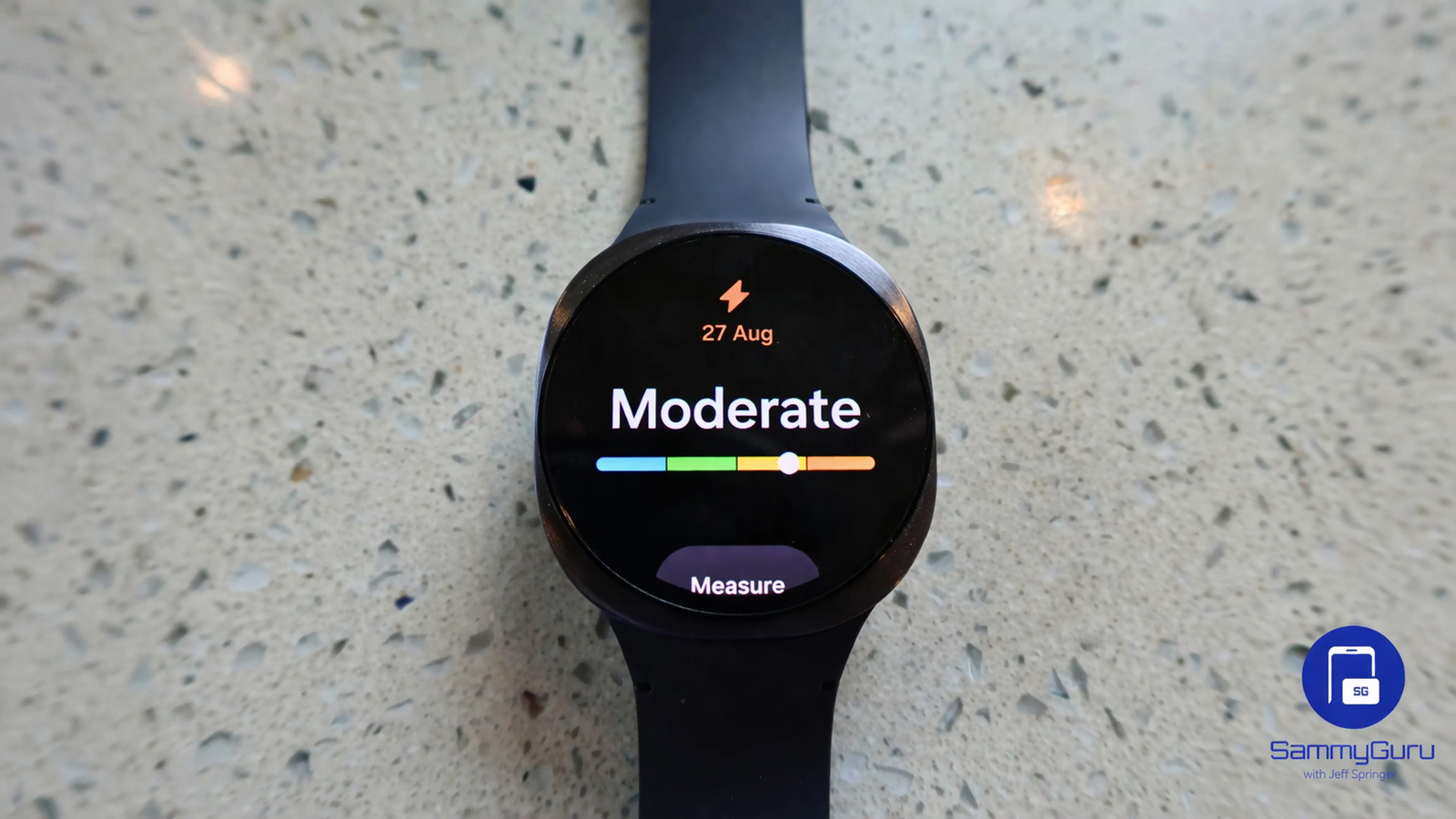
How to Measure Blood Pressure Using Galaxy Watch
After calibration, measuring your BP becomes quick and easy.
Steps to Measure:
- Open Samsung Health Monitor app
- Tap Blood Pressure
- Tap Measure
- Follow on-screen instructions
- Stay still and relaxed
Within seconds, your reading will appear on your watch and phone.
Important Health Warnings
This feature is not suitable for everyone. Samsung advises certain users to avoid using it.
Avoid if you have:
- Arrhythmia
- Heart failure or past heart attack
- Peripheral vascular disease
- Valve-related heart disease
- Cardiomyopathy
- Diabetes
- End-stage renal disease
- Neurological disorders (e.g., tremors)
- Blood clotting disorders or if taking blood thinners
⚠️ Important Note:
- Pregnant women should not use this feature
- Always consult a doctor for medical advice
Tips for Accurate Readings
To get the best results when you measure blood pressure using Galaxy Watch:
Do This:
- Sit comfortably with back supported
- Keep your arm at heart level
- Stay still and quiet
- Take measurements at the same time daily
Avoid:
- Talking during measurement
- Moving your arm
- Measuring right after activity
Consistency improves accuracy.
Benefits of Galaxy Watch Blood Pressure Monitoring
Using a smartwatch for BP tracking offers several advantages:
Convenience
No need to carry a separate device every time.
Continuous Tracking
Monitor trends over time for better health awareness.
Early Detection
Spot unusual patterns early and take action.
Integration
Syncs data with your smartphone for easy analysis.
External Resources for Better Understanding
To improve your knowledge about health tech and wearable devices:
- Learn about health AI from Google
- Explore advanced computing from NVIDIA
Featured Snippet Optimization
How do you measure blood pressure on Galaxy Watch?
To measure blood pressure using Galaxy Watch, install Samsung Health Monitor, calibrate the watch using a cuff-based monitor three times, then use the app to take readings anytime.
Conclusion
The ability to measure blood pressure using Galaxy Watch is a major step forward in wearable health technology. While the setup requires a bit of effort, the long-term benefits are worth it.
With proper calibration and correct usage, your Galaxy Watch can become a powerful health companion, helping you stay informed and proactive about your well-being.