iOS 26.4.1 Update: Apple Fixes Password Sync Issues and Expands Stolen Device Protection
Apple has released iOS 26.4.1, a critical bug-fix update that improves device security for business users while also resolving annoying iCloud syncing difficulties. Even while it might seem like a small update, it fixes a few significant issues that impacted daily use, particularly for those who depend on cloud-based apps and password syncing.
Let’s examine the new information and the significance of this update.
What Is iOS 26.4.1 and Why It Matters
The iOS 26.4.1 update comes shortly after the release of iOS 26.4 on March 24. This new version focuses mainly on bug fixes, performance improvements, and enhanced security features.
One of the most critical fixes targets Apple’s CloudKit framework, which plays a key role in syncing data across Apple devices.
Major Fix: iCloud Syncing and Apple Passwords Issue
A significant issue in iOS 26.4 caused problems with iCloud data synchronization. Users reported that:
- Changes made on one device didn’t appear on another
- iCloud notifications were not being delivered properly
- Apps relying on CloudKit failed to update in real time
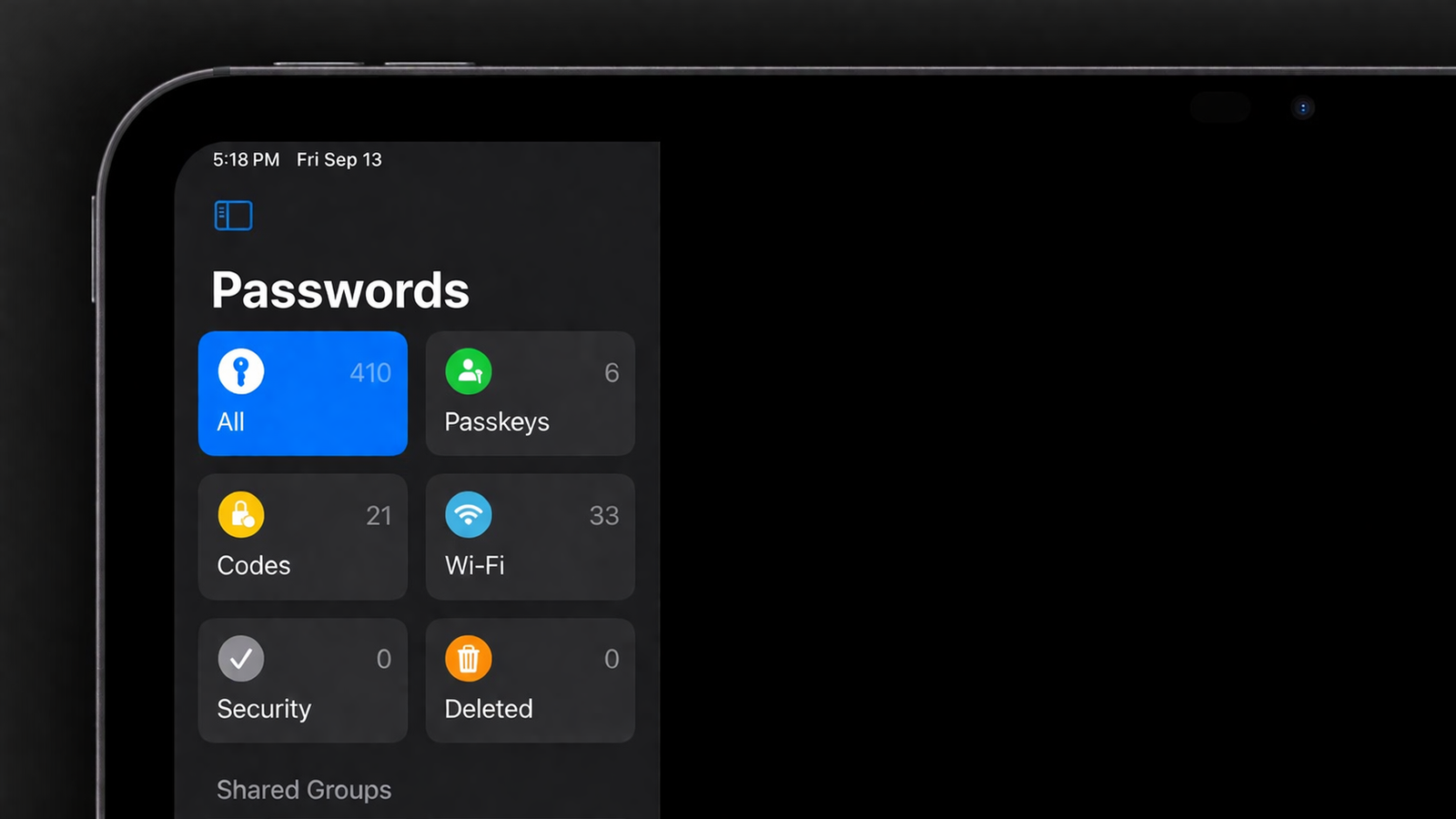
This bug impacted several apps, including Apple’s own password management system and third-party applications.
What Was Affected?
- Apple Passwords app (shared passwords feature)
- Third-party apps like note-taking and productivity tools
- General iCloud syncing across iPhone and iPad
With iOS 26.4.1, Apple has fixed this issue, restoring smooth and reliable syncing across devices.
Stolen Device Protection Now Enabled for Enterprise Users
Another key highlight of this update is the expansion of Stolen Device Protection.
Originally introduced for regular users in iOS 26.4, this feature is now:
- Enabled by default for enterprise (managed) devices
- Designed to add an extra layer of security in case a device is stolen
Why This Feature Is Important
Stolen Device Protection helps safeguard sensitive data by:
- Requiring additional authentication for critical actions
- Limiting access to stored passwords and personal data
- Enhancing overall device security in high-risk situations
For businesses and organizations, this is a major step toward better data protection and device management.
How to Update to iOS 26.4.1
Updating your device is simple and highly recommended to avoid syncing issues and improve security.
Follow These Steps:
- Open the Settings app
- Tap General
- Select Software Update
- Download and install iOS 26.4.1 if available
Enable Automatic Updates
To stay up to date effortlessly:
- Go to Settings > General > Software Update
- Turn on Automatic Updates
This ensures your device always runs the latest and most secure version of iOS.
Final Thoughts
Although iOS 26.4.1 may not introduce flashy new features, it delivers essential fixes and meaningful security improvements.
By resolving iCloud syncing problems and extending Stolen Device Protection to enterprise users, Apple continues to refine the user experience while strengthening device security.
If you’ve experienced syncing issues or simply want better protection for your data, updating to iOS 26.4.1 is a smart move.